Divi opens and closes every Accordion item and Toggle in 700 milliseconds, has no setting to change it, and always keeps one Accordion item open. Divi Doctor adds one site-wide speed for Accordions and one for Toggles, and an option that lets visitors close the open Accordion item. This page covers the three settings, their limits, and what changes on your pages.
Change the settings
There’s nothing to switch on in Features. The settings do nothing until you enter a value or tick the box.
- Go to Divi Doctor → Settings.
- Under Accordion & Toggle, type a speed in milliseconds into Accordion open/close speed, Toggle open/close speed, or both.
- To let visitors close the open Accordion item, tick Clicking the open Accordion item closes it next to Close the open Accordion item.
- Click Save settings.
- Clear any page cache, then reload a page with an Accordion or Toggle.
The message Settings saved. Clear any page cache so visitors get the change. confirms the save.
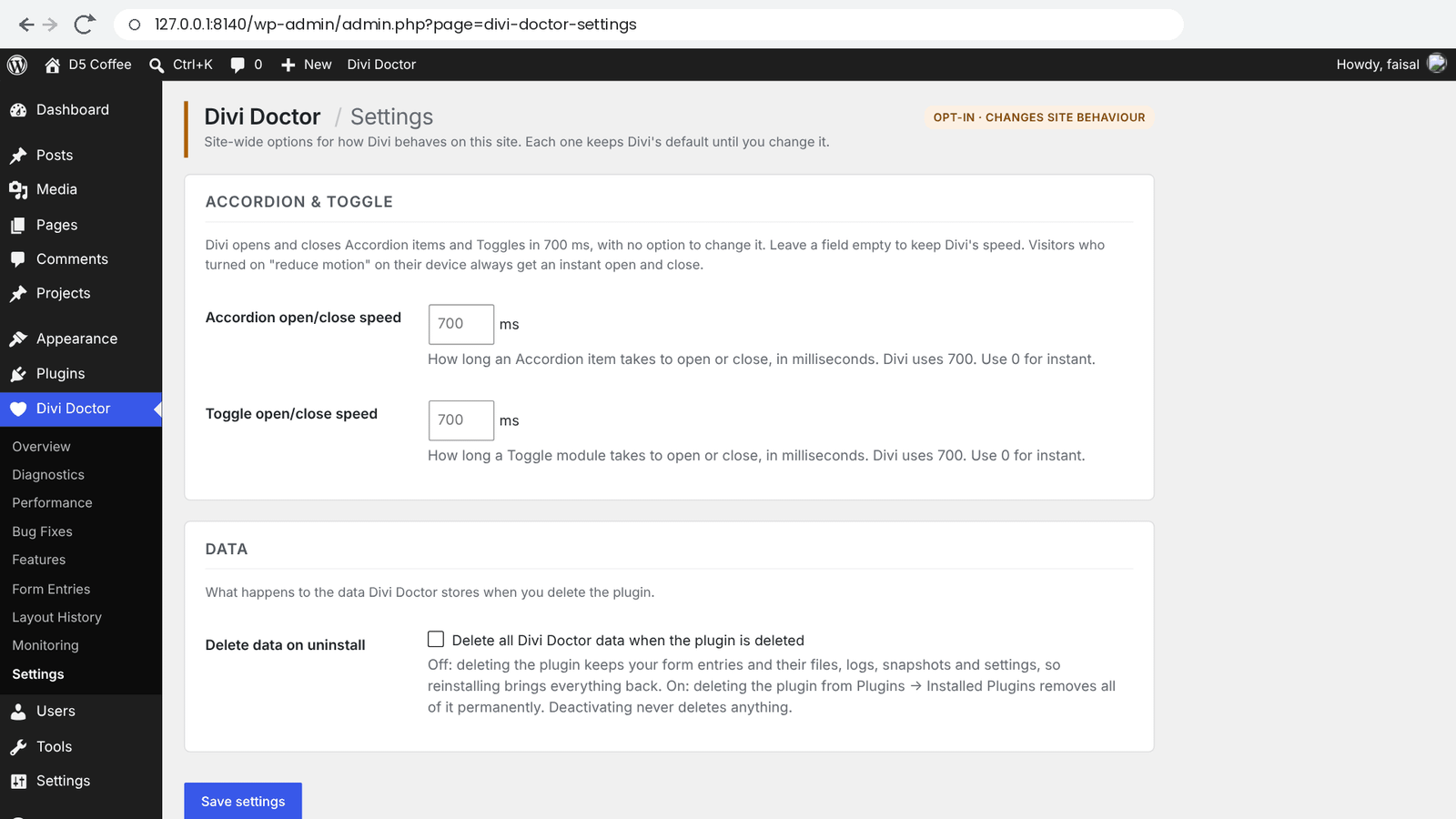
The settings
| Setting | What it changes | Default |
|---|---|---|
| Accordion open/close speed | How long an Accordion item takes to open or close, in milliseconds. | Empty (Divi’s 700 ms) |
| Toggle open/close speed | How long a Toggle module takes to open or close, in milliseconds. | Empty (Divi’s 700 ms) |
| Close the open Accordion item | Clicking the title of the open Accordion item closes it, so visitors can close every item. | Off |
- A speed can be any whole number from
0to5000.0opens and closes instantly. - Leave a speed empty to keep Divi’s 700 ms. Clearing a field and saving goes back to Divi’s speed.
- The two speeds are independent. Setting only the Accordion speed leaves Toggles at 700 ms, and the other way round.
- The settings apply to every Accordion and Toggle on the site. There’s no per-module value.
Around 200 ms feels quick but still smooth.
Close the open Accordion item
In Divi, clicking the Accordion item that’s already open does nothing, so one item always stays open. With Close the open Accordion item ticked, clicking the open item’s title closes it. Visitors can then close every item, and open any item again as usual.
- The item closes at your Accordion open/close speed, or Divi’s 700 ms when that field is empty.
- A click on the open item while its animation is still running doesn’t close it. Click again once it has finished.
- Toggle modules aren’t affected. They already open and close.
- It works on the live page. In the Visual Builder, Accordions behave as Divi makes them.
What changes on your pages
The speeds only change the open and close animation. Which item opens, the icons, the colors and the rest of Divi’s behavior stay the same. In an Accordion, the item that closes when another opens uses the same speed. Close the open Accordion item only adds the close on a click of the open item.
As soon as either speed is set, visitors who turned on “reduce motion” on their device get an instant open and close on every Accordion and Toggle, whatever speed you set. With both speed fields empty, they see Divi’s 700 ms animation.
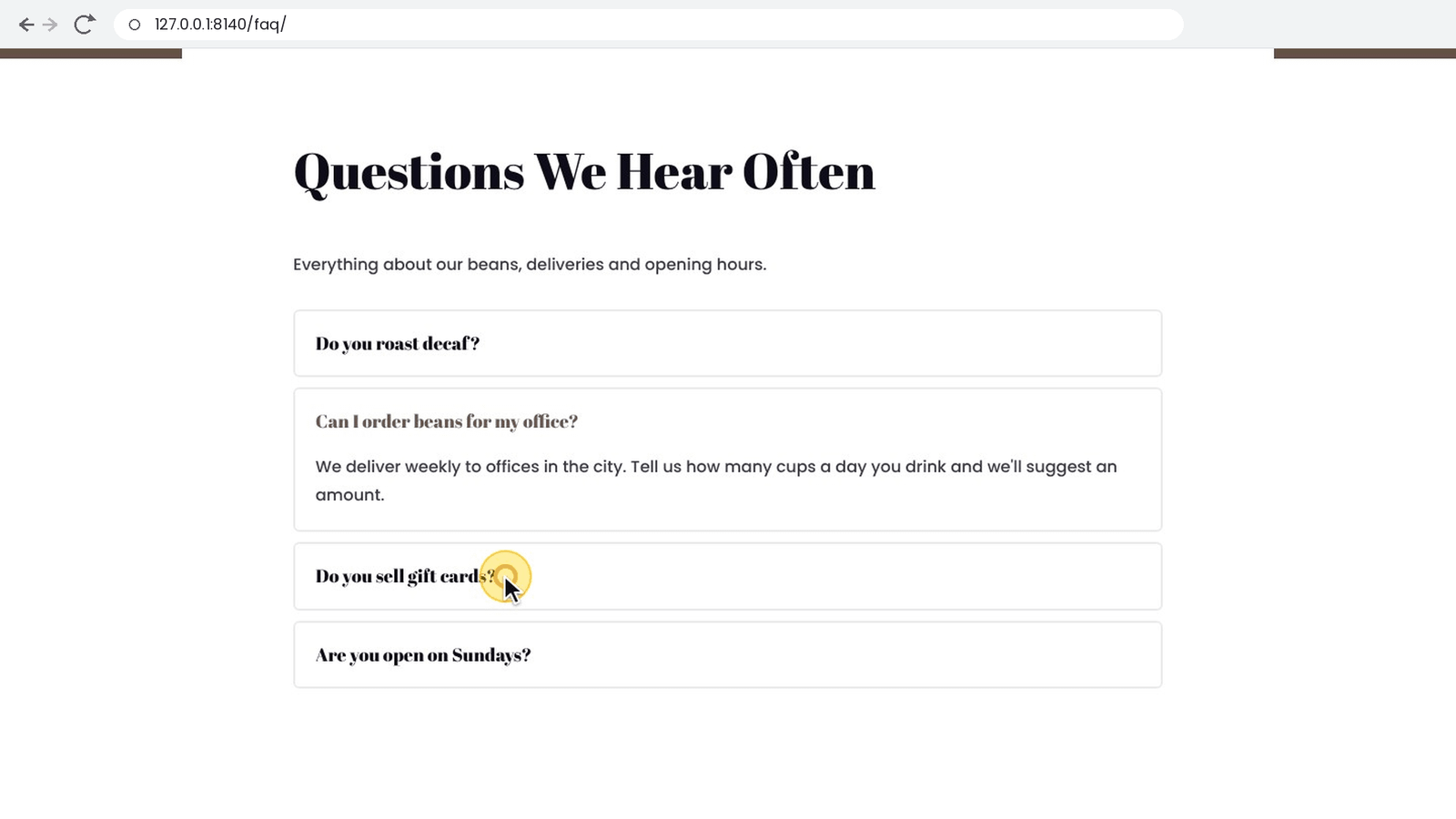
How it works
Divi’s Toggle script has the 700 ms speed built in. When you set a speed, Divi Doctor prints a very small script (about 0.4 KB) just before Divi’s Toggle script, so it’s only on pages that have a Toggle or Accordion. It swaps Divi’s 700 ms for your value, and only for Divi’s own Accordion and Toggle animations; other scripts on the page aren’t affected.
Close the open Accordion item adds another small script (under 1 KB) just after Divi’s Toggle script, on the same pages. It notes when a visitor clicks the open item, lets Divi handle the click as usual, then closes the item with Divi’s own close function, which is why your Accordion speed applies.
While both speed fields are empty and the box is unticked, nothing is added to any page.
Limits
- A page served from a cache built before you saved keeps the old behavior until you clear the cache.
- The settings are site-wide. You can’t set a different speed, or turn the close option on, for a single module.
Questions
How do I change the Accordion or Toggle animation speed in Divi 5?
Divi opens and closes every Accordion item and Toggle in 700 milliseconds and has no setting to change it. With Divi Doctor, go to Divi Doctor → Settings, type a speed in milliseconds into Accordion open/close speed or Toggle open/close speed, click Save settings and clear any page cache.
Can visitors close all items of a Divi Accordion?
Not in Divi alone: clicking the Accordion item that’s already open does nothing, so one item always stays open. Tick Clicking the open Accordion item closes it under Divi Doctor → Settings, and visitors can close every item and open any item again as usual.
Which speeds can I set?
Any whole number from 0 to 5000 milliseconds. 0 opens and closes instantly, and around 200 ms feels quick but still smooth. Leave a field empty to keep Divi’s 700 ms.
Can I set a different speed for a single module?
No. The settings apply to every Accordion and Toggle on the site. The Accordion speed and the Toggle speed are independent of each other.
Does it add a script to every page?
No. When you set a speed, Divi Doctor prints a very small script (about 0.4 KB) just before Divi’s Toggle script, so it’s only on pages that have a Toggle or Accordion. While both speed fields are empty and the box is unticked, nothing is added to any page.
What do visitors with reduced motion see?
As soon as either speed is set, visitors who turned on “reduce motion” on their device get an instant open and close on every Accordion and Toggle, whatever speed you set.
Why didn’t the speed change after I saved?
A page served from a cache built before you saved keeps the old behavior until you clear the cache.
Does closing the open Accordion item work in the Visual Builder?
It works on the live page. In the Visual Builder, Accordions behave as Divi makes them.
Are these settings in the free plugin?
Yes. The Accordion and Toggle speeds and the option to close the open Accordion item are in Doctor for Divi, the free plugin, and in Divi Doctor Pro.